

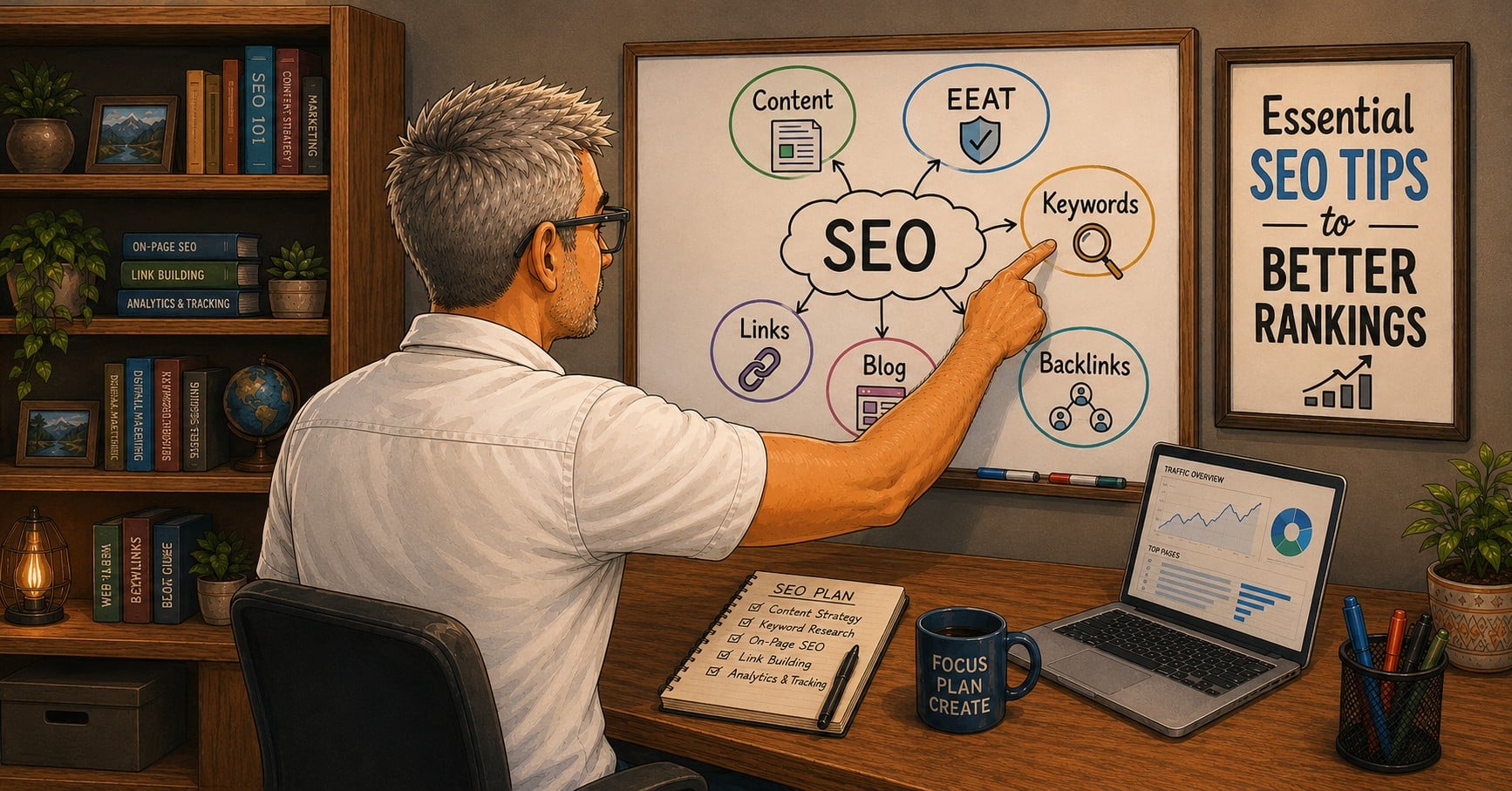
Many creators think SEO tips for beginners are only for the tech-savvy 20-somethings. They couldn’t be more wrong. SEO is simply the tool that ensures your decades of life experience actually reach the people who need to hear it.
Age is only a number, but your perspective is a unique asset. By mastering a few simple SEO basics, you give your wisdom a megaphone, allowing “Mother Google” to find our stories and share them with the world. If you are just starting out, my content creation over 50: the complete beginner’s guide is a great place to ground yourself before diving into these technical steps.
| SEO Essential | Why It Matters for Creators 50+ |
|---|---|
| Keyword Research | Connects your life lessons with the specific terms your audience is actually searching for. |
| On-Page Optimization | Correctly labeling your headers and images so search engines can index your site properly. |
| Authority Building | Using your professional background to establish “E-E-A-T” (Experience, Expertise, Authoritativeness, and Trustworthiness). |
Keyword Research: Listening to Your Audience
Keyword research isn’t about “gaming the system”; it’s about listening. It is the bridge between your life lessons and the specific terms your audience is actually searching for.
Instead of fighting for broad, competitive terms, look for “long-tail keywords”—phrases that are three to four words long. For example, instead of just “travel,” target “best solo travel destinations for seniors.” This specificity is where your authority shines. A great way to find these topics is to identify what is evergreen content and why it matters for content creation over 50, as these subjects remain relevant and searchable for years.
On-Page Optimization: The Technical Writer’s Edge
On-page optimization is simply correctly labeling your headers and images so search engines can index your site properly. Think of your blog post like a well-organized book. Just as a clear table of contents makes a story easier to follow, Google relies on your structure to understand and share your expertise.
- H1 Headers: You should only have one H1 per post (your title). Make sure is contains your primary keyword. This gives “Mother Google” a head start on what your post is about.
- Subheadings (H2 & H3): Use these to break up your text. Not only does this help Google, but it’s one of the essential qualities of a great blog post and a key part of learning how to rank your blog on Google.
- Meta Descriptions: Think of this as your 160-character elevator pitch. If you need help crafting titles that get people to stop scrolling, check out my guide on blog headlines that are a hit with the clicks.
- Alt Text for Images: This is a short description you add to your images in the background. It helps search engines “see” what’s in the picture and makes your site accessible for people using screen readers. A good rule of thumb: describe the image as if you’re explaining it to someone over the phone.
Authority Building: Trust and Expertise
Google prioritizes what they call “E-E-A-T”—Experience, Expertise, Authoritativeness, and Trustworthiness. For us “Silver Creators”, we have a massive advantage here. We aren’t just summarizing information; We’re sharing lived experience.
Building authority takes time, but it starts with consistency. I know that putting yourself out there can be daunting, and there are 7 simple reasons creating content feels awkward (at first). Whether you are writing or filming content in public, every piece of content you publish acts as a brick in the foundation of your digital authority.
SEO Quick Start List

Let’s Wrap This Up: SEO Tips For Beginners
The biggest mistake beginners make is trying to be perfect. In a world of AI noise, your authentic human experience is your greatest SEO asset. Google rewards depth and value—qualities you’ve spent a lifetime developing.
By implementing these strategies, you’re not just chasing “likes”—you are investing in your legacy. You’re ensuring that your voice remains part of the conversation for years to come. If you want to create, just do it—age doesn’t matter, but your message does..
Common SEO Questions Answered
What is the best way to learn SEO?
With over a decade of blogging and ranking blog posts on Google, I have to recommend the same technique that I used (because it worked).
Step 1: Read a book on SEO.
Step 2: Try it on your site.
Step 3: Monitor your site in Google Search Console.
Step 4: Repeat Step 1.
The SEO book I’m currently reading is SEO 2026 by Adam Clarke.
How long does it take SEO to start working?
From my 13 plus years of blogging experience, most beginner bloggers quit after a few weeks because they don’t see noticeable improvement. SEO is a marathon, not a sprint. You need to work on SEO throughout the life of your website.
But to answer the question, it typically takes 3 to 6 months to see a significant shift in rankings. Think of it like planting a garden; you won’t see the harvest the day after you plant the seeds. The key is to keep publishing quality content while ‘Mother Google’ gets to know and trust your site.
Sign up for Google Search Console and over time you will to see the improvements.
For a quick win: Go to the address bar in Google and type in site:yourURL with no spaces. Google will return a list of the pages that it has indexed.
Do I need to be a techie to do SEO?
Absolutely not. In fact, being a ‘techie’ matters far less than being a good communicator.
Modern SEO is actually moving away from ‘code’ and moving toward ‘context.’ Google rewards clarity and readability. If you can write a clear sentence or a compelling story, you are already ahead of the ‘techies’ who focus only on algorithms and forget to write for real human beings.
Think of it this way, SEO is simply a way of organizing your content so that both people and search engines can understand it. If you have spent your life writing reports, organizing files, or explaining complex ideas to others, you already have the most important SEO skills.
Why is my blog post not showing up?
The three most common reasons are:
Thin Content: Your post is too short or doesn’t provide enough detail. Google wants to show helpful, deep information, not just a quick summary. Google rewards good writing that answers a question or resolves a readers pain point.
The “Trailing Slash” Error: Google sees your-post and yourpost and your-post/ as three different places. If your links don’t match your site settings, Google gets confused and stops looking for your page.
Lack of Authority: Google looks for “E-E-A-T”—Experience, Expertise, Authoritativeness, and Trust. If you don’t show your real-world experience, Google might not trust your post enough to rank it.
If you’re working on SEO right now, what’s confusing you the most? Keywords, rankings, or getting Google to notice your content? Ask your question in the comments and I’ll help you work through it.

About the Author: Dan Swords
Dan Swords is a writer, blogger, and content creator with more than 35 years of professional technical writing experience and over 13 years creating content for the web. Through danswords.com, he shares practical advice to help aspiring bloggers and creators get their ideas online. His focus is simple: helping people start and grow a blog with clear writing, engaging content, and practical strategies that actually work.